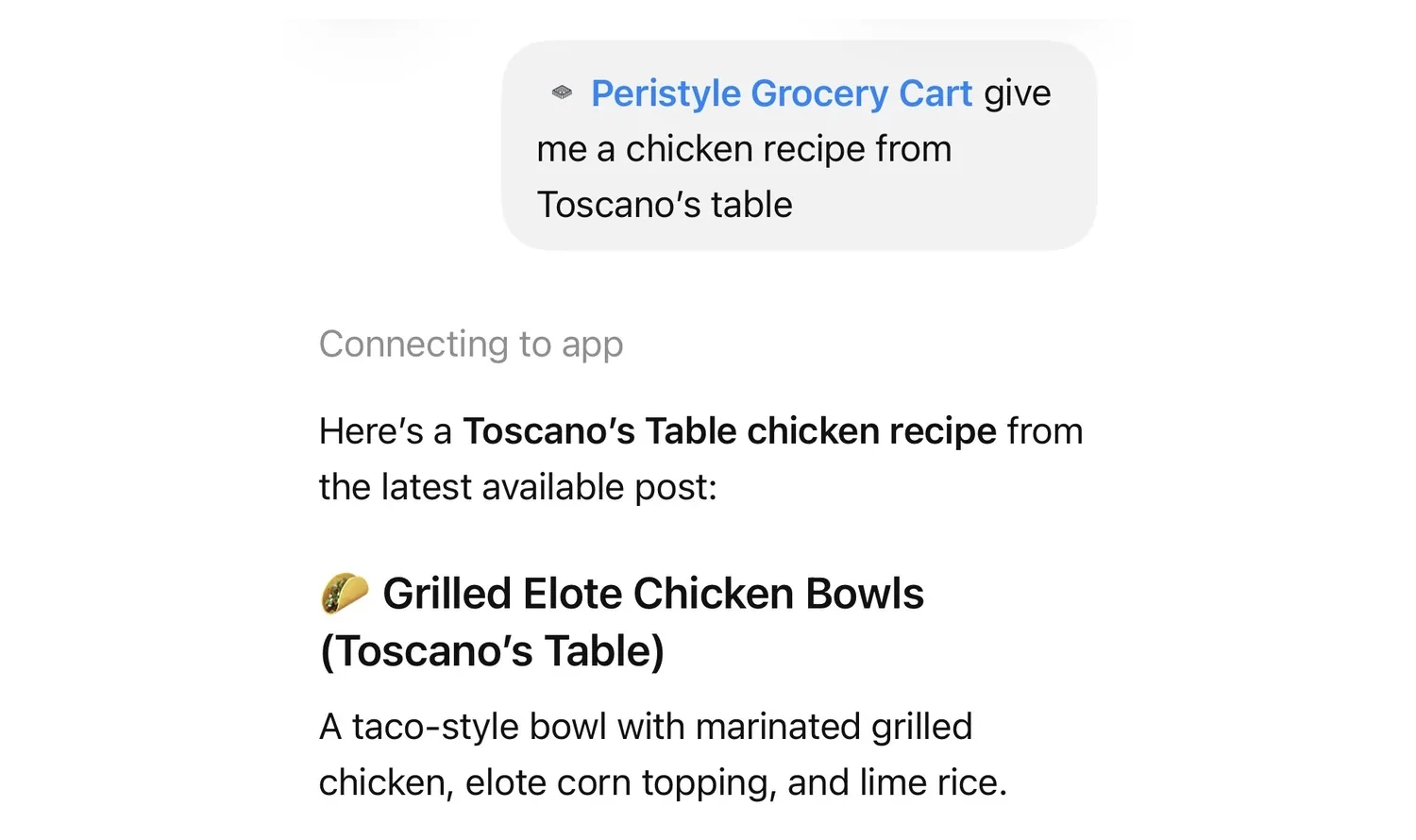
A reader opens ChatGPT at five o'clock and types "give me a chicken recipe from Toscano's Table." A few seconds later they are looking at Toscano's Table's Grilled Elote Chicken Bowls, the name in bold above the recipe, and one message after that they have a 17-item cart waiting at their local grocery store.
That is a real exchange, and it is worth walking through, because more of your readers start dinner this way every month. In MorganMyers' Spring 2026 Food Pulse (366 US consumers, nationally representative, margin of error plus or minus 5%), 41% had used ChatGPT or another AI tool for meal planning, and 25% had used one to generate a grocery list. The question for anyone who writes recipes is not whether that happens. It is whether the plan ends with your recipe, your name on it, and the cart credited to you.
This post covers how a reader adds it to ChatGPT, what they see, where your name goes, what decides whether your recipe shops well, and what you see on your side.
Adding it to ChatGPT
Peristyle Grocery Cart is an official plugin in ChatGPT's plugin directory, and ChatGPT is where it is fully supported today. Adding it takes about a minute.
Step 1: find it. In ChatGPT, open Plugins in the sidebar and search for "Peristyle," or open the Peristyle Grocery Cart plugin directly.
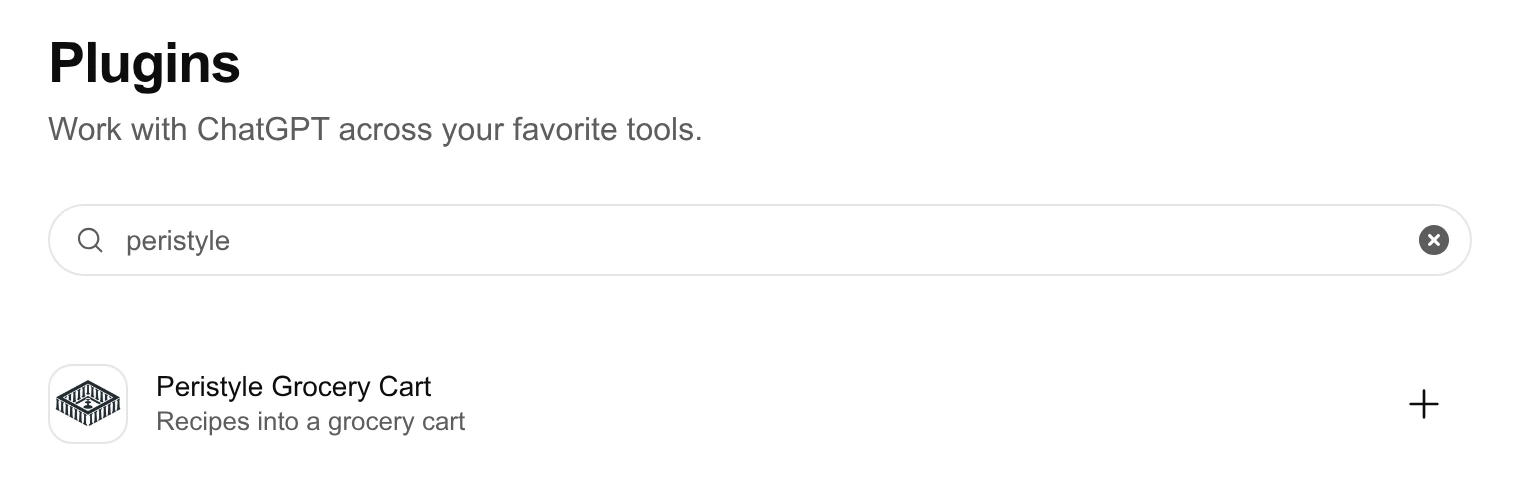
Step 2: install it. Choose Install plugin, then sign in with an email link or a Kroger account. That is the only sign-in Peristyle asks for.
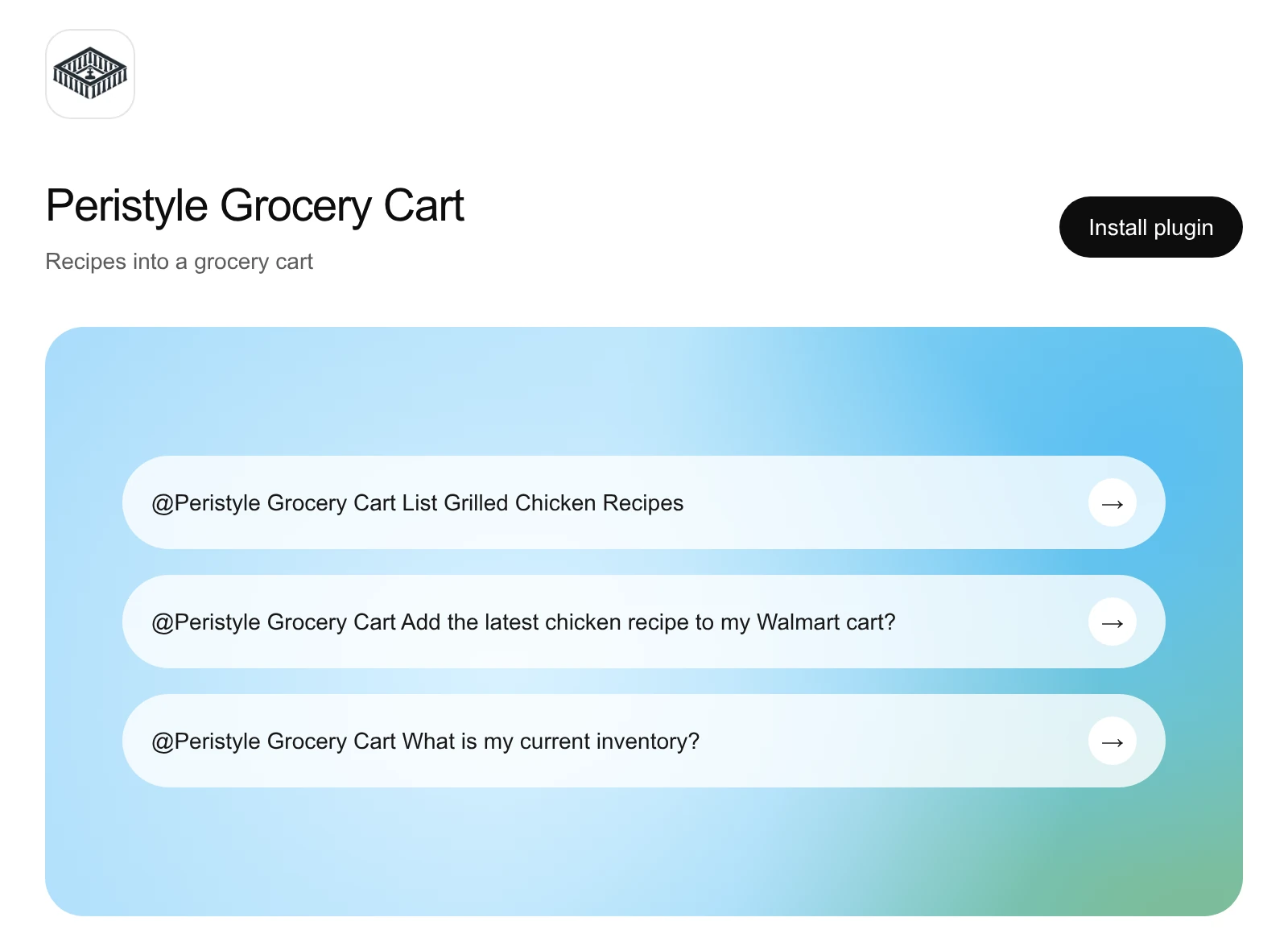
Step 3: ask for dinner. In any chat, type "@Peristyle Grocery Cart" and say what you want.
Kroger shoppers connect their Kroger account once, so the cart can be filled for them. Walmart shoppers never connect a store account at all.
What the reader sees
Once the plugin is installed, the flow is a conversation.
They ask for a recipe, or paste one. "A chicken recipe from Toscano's Table" works. So does a link to any recipe page, or "shop your lemon orzo for six." The assistant brings back the recipe with its name and its creator, and the ingredient list exactly as it was written.
Every ingredient is matched to a real product at their store. Not a text list: a shopping list inside the chat, with product photos, sizes, current prices, and sale badges. If the store is out of something, the line says so and offers in-stock replacements in one tap, labeled as the same item, a similar one, or a substitute. Nothing gets swapped without the reader seeing it.
They make it theirs. Change a quantity, swap a brand from the dropdown, remove the parmesan they already own. Readers who turn on the pantry can have the kitchen staples they keep at home checked off before the list is built. That setting is off until they choose it.
It scales. "Shop this for six" multiplies every amount by the recipe's stated yield and recomputes how many packs to buy. If a recipe does not say how many it serves, the cart does not guess.
They tap one button. For Kroger shoppers, the items go straight into their Kroger cart, after a one-time account connection. For Walmart shoppers, the list becomes a Walmart cart link they open to check out, with no Walmart account to connect. Nothing goes into a cart until the reader taps the button or says so.
The list and the conversation stay in step. Every edit a reader makes in the list is handed back to the assistant, so "okay, add these" means exactly what is on screen, not what was there before the edits. After the add, the assistant is told the items are in, so it does not add them twice.
In the Toscano's Table example, that came to 17 items in a Walmart cart, ready for pickup or delivery as soon as that day. The reader never copied a line into a notes app.
Where your name goes
The list is titled with the recipe, and the assistant receives the recipe's source link and the creator's name along with it. In the exchange above, the first words of the answer were "Here's a Toscano's Table chicken recipe."
The part that matters more happens out of sight. Every cart that leaves the chat is recorded against the recipe it came from, and so against the creator who wrote it. A name in a chat window is a courtesy. A cart credited to you is a record that someone went to the store to cook your food.
In Claude and Muse
ChatGPT is where the plugin is officially listed. Listings in Claude's connector directory and in Meta's Muse are pending review. Until they are approved, a reader can connect the same cart to either one as a custom connector, using the address https://mcp.peristyle.io/mcp.
- Claude: go to Settings → Connectors, choose Add custom connector, paste the address, and sign in. It works on any Claude plan, including the free one. In Claude the shopping list arrives as text rather than as the interactive list, with the same matched products, the same prices from their own store, and the same one-step add to a Kroger or Walmart cart.
- Muse: there is no settings screen to find. The reader asks Muse to add the connector in one message, then approves the sign-in link it sends back. The Muse page has the message to paste.
Other assistants that support MCP connectors work the same way, and the setup guide has the steps for each.
What decides whether your recipe shops well
Every ingredient line gets matched to something on a shelf, so the way a recipe is written changes how well it shops. None of this is new advice, and all of it already helps your readers on the page.
Publish real recipe markup. The cart reads the recipe your site publishes in its recipe card (the structured recipe data behind it, usually from WP Recipe Maker or similar). If a page has no recipe data, there is no recipe to shop, and the reader is told why rather than handed a guess. Nothing is invented to fill the gap.
Put the amount at the start of each line. "1 (14 oz) can coconut milk" shops better than "a can of coconut milk." Quantities and units are read from the start of each ingredient line and never guessed, so the cart buys the amount you wrote.
Say how many it serves. Readers ask for "enough for six." When your recipe states its yield, the cart scales to it. When it does not, the assistant has to stop and ask.
Use one name, everywhere. Credit attaches to a name. Use the same one in your recipe card's author field, your byline, and your about page, so the recipe is repeated right and with the right name on it.
Note the hard-to-find ingredient. If a recipe calls for something a regular grocery store rarely stocks, a one-line note with a substitute helps the reader in the store and the matcher in the chat equally.
What you see on your side
Every metric a recipe creator usually gets is about who looked. The Peristyle creator dashboard is about who cooked:
- The path from reading to shopping: how many readers opened one of your recipes, how many matched it to their store, how many put it in a cart, the average cart value, and how many come back to shop again on another day.
- Which assistant they came through, so you can see how many of your readers are planning dinner in ChatGPT or Claude.
- The brands your readers put in the cart, and the ingredient of yours each one was bought for.
- Ingredients that did not match a store product. Usually one hard-to-find item, and often worth a note in the recipe.
- Your top recipes, by carts rather than pageviews.
Try it
Install the Peristyle Grocery Cart plugin in ChatGPT, then type "@Peristyle Grocery Cart give me a chicken recipe from Toscano's Table" and follow it to a cart. It is the fastest way to see what your readers will see. More on the cart itself is on the Grocery Cart page.
If you write recipes, Peristyle builds the place your readers arrive, the cart they shop from, and the credit when a machine repeats your recipe. If you are happy with the site you have, keep it: the cart and the credit work on top of it. Start with one of your own recipes, or get the free AI search report to see how assistants repeat your recipes today.
Frequently asked questions
How do I add Peristyle Grocery Cart to ChatGPT?
Open the plugin in ChatGPT, or search for "Peristyle" under Plugins in ChatGPT's sidebar, then choose Install plugin and sign in once. After that, type "@Peristyle Grocery Cart" in any chat and ask for a recipe.
Can ChatGPT add a recipe's ingredients to my grocery cart?
Yes, with the Peristyle Grocery Cart plugin. Ask for a recipe or paste a recipe link, review the shopping list it builds from real products at your store, and tap once. Kroger items go straight into your Kroger cart; Walmart items become a Walmart cart link you open to check out. Nothing is added until you tap or say so.
Which grocery stores does it work with?
Kroger or Walmart. Kroger connects with your Kroger account once and the cart is filled for you. Walmart works through a cart link you open on walmart.com. Prices, sizes, and stock come from your own store.
Does the recipe creator get credit?
Yes. The recipe's name heads the list, the assistant is given the creator's name and the original link, and every cart is recorded against the recipe it came from, so it is credited to the creator who wrote it.
Do I need a new site to have my recipes shopped and credited?
No. Readers can shop a recipe from any site that publishes recipe data. For carts to be credited to you and show up on a dashboard, your recipes need to be connected to Peristyle. You can keep the site you have, or have Peristyle build you one.
Does it work in Claude or Muse?
Yes, as a custom connector, while its listings in both are pending review. In Claude, add https://mcp.peristyle.io/mcp under Settings → Connectors on any plan; the shopping list arrives as text instead of the interactive list, with the same products, prices, and one-step add. In Muse, ask it to add the connector in one message and approve the sign-in. The setup guide has the steps.
Sources
- MorganMyers: AI's impact on meal planning, Spring 2026 Food Pulse (n=366 US consumers, March 2026, margin of error plus or minus 5%)